
599.6K
38

Tiers,
Official tier display mod for PvPTiers
Mod showcase:
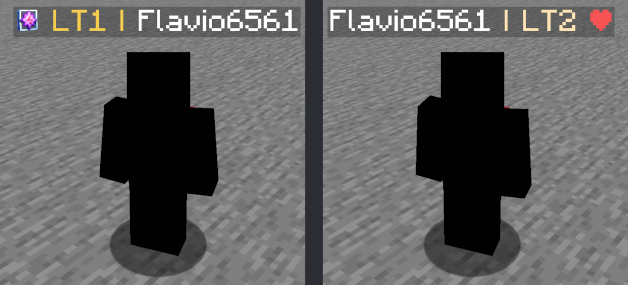
Switchable PvPTiers, classic and legacy icons and colors
Auto detect kit: press 'Y' to autodetect the current gamemode
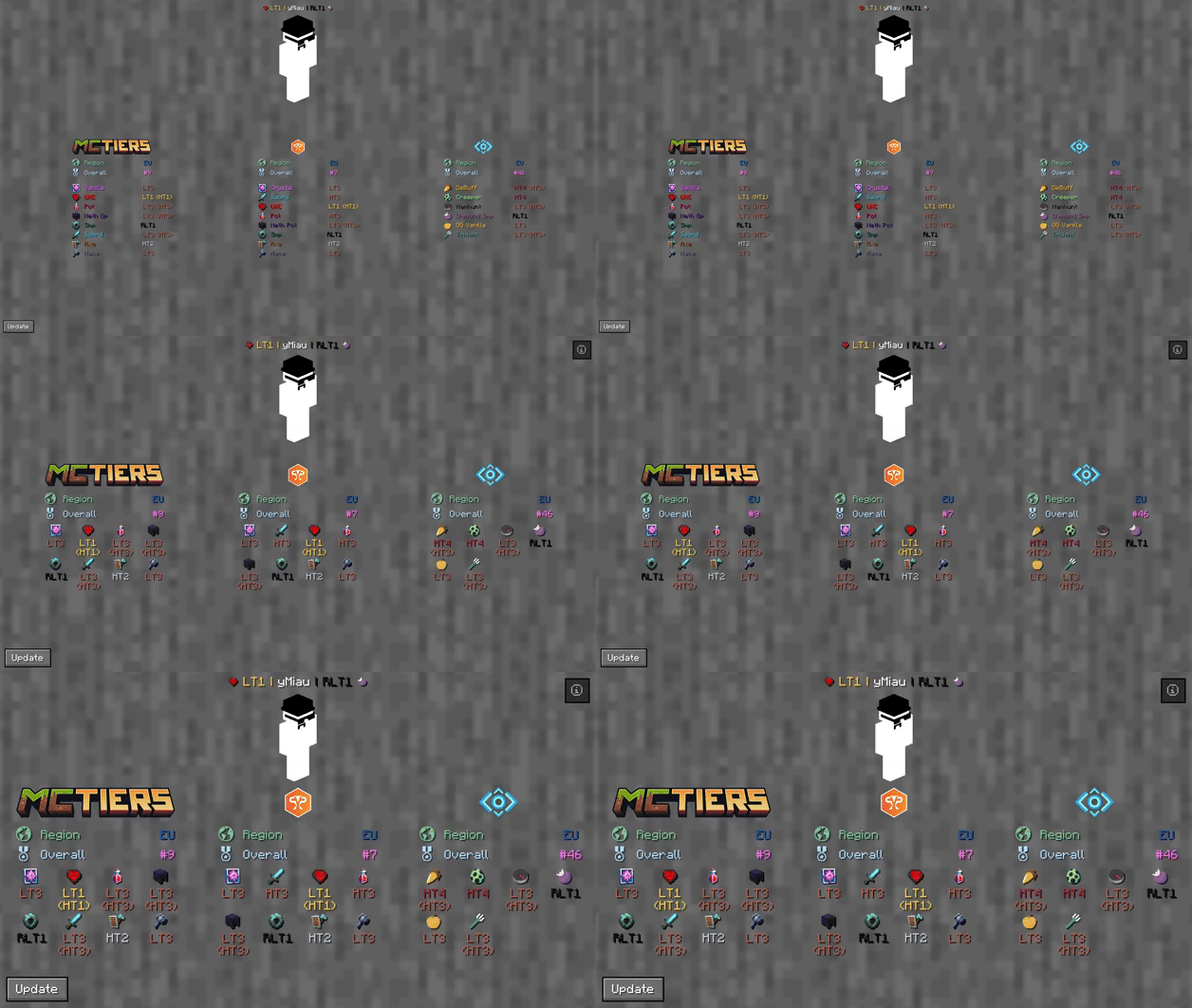
The profile search result screen with PvPTiers icons on different GUI scales
Tiers is still in beta. Report an issue
Mod features:
Auto detect kit:press Y (editable) to auto-detect the gamemode you are playing to easily switch and see opponent tiers in that gamemodeSee nearest player stats:press H (editable) to open the closest player search result screenSearch screen:see all tiers, peaks, regions, points, global rankings and skin with /tiers nameChange gamemodes and their position:choose a gamemode for each ranking site and decide whether to display it on the left or rightCycle keybinds:press U and I (editable) to easily cycle between the right and left displayed gamemodesChange preset styles:you can change icons and colors presets in the config screenDisplay gamemodes:whether to display selected mode, adaptive highest or absolute highest
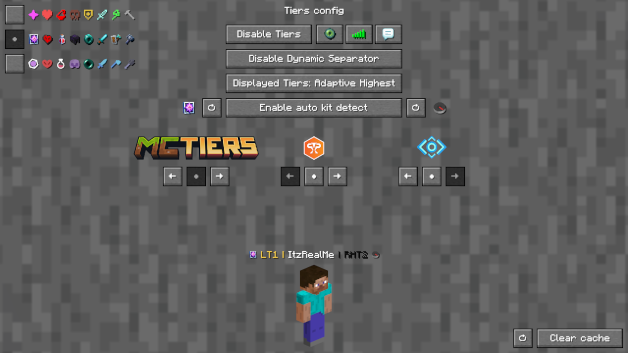
Screen config (ModMenu or /tiers -config):
Toggle Tierstoggles TiersToggle Iconstoggles the icons next to the tiersToggle Tabtoggles Tiers on the tablistToggle Chattoggles Tiers in chatToggle Dynamic Separatordecides if the separator | is the same color as the tier or grayDisplayed Tierdecides whether to display selected mode, adaptive highest or absolute highestPreview Switcherdecides whether to preview the default profile (ItzRealMe) or your characterLeft and Right gamemode switcherswitches between gamemodes of the selected providerPosition Settingsdecides if the specific provider gamemodes are displayer on the right, left or neitherIcon and color presets:you can switch between classic, PvPTiers and MCTiers styled icons
The config screen on 3 GUI scale
Other:
You can customize gamemodes icons and text colors, as well as choosing where and what gamemode to display; want to manually modify the icons or tiers colors? Edit and add in your pack folder the default texture pack
Settings will be saved in your config folder and updated at runtime
The mod is client side (works on multiplayer)
Links:
Совместимость
Детали
Лицензия:GPL-3.0-only
Опубликован:1 год назад
Обновлён:1 неделю назад