
=============================================================================================
    ██╗  ██╗ ██████╗ ██╗██╗       File: /mod/koil/settings/description
    ██║ ██╔╝██╔═══██╗██║██║       ----------------------------------
    █████╔╝ ██║   ██║██║██║       Platorm: Modrinth
    ██╔═██╗ ██║   ██║██║██║       Owner: SpiritXIV
    ██║  ██╗╚██████╔╝██║███████╗  Org: Koil
    ╚═╝  ╚═╝ ╚═════╝ ╚═╝╚══════╝  -----------------------------------
=============================================================================================


What is Koil?
Koil is a Minecraft 1.20.1 Fabric/Quilt utility mod built to turn your client into an in-game control center for a modded instance.
Koil adds real tools inside Minecraft for managing mods, editing configs, browsing files, installing content, reading logs, building packages, testing automation files, and controlling Koil's own runtime systems.
The point of Koil is simple: do more from inside the game instead of constantly leaving Minecraft to open folders, edit files, check configs, or search for content.
Current Base
| Area | Status |
|---|---|
| Minecraft version | 1.20.1 |
| Loader support | Fabric / Quilt |
| Required dependency | Fabric API |
| Java requirement | Java 17 |
| Public version | 0.70.25 |
| License | MIT |
| Runtime folder | ./koil |
| Main config | ./koil/sys/config.json |
| Logs | ./koil/logs |
| Package output | ./koil/packages/built |
| Automation folder | ./koil/automation |
Main Features
| System | What it does |
|---|---|
| Installed Mod Manager | View installed mods, sort/filter/group them, open folders, open configs, import jars, disable mods, delete mods, and view local or online metadata. |
| Content Browser | Search and install mods, resource packs, and datapacks from inside Minecraft. |
| Config Editor | Edit JSON, JSON5, TOML, YAML, properties, CFG, CONF, INI, and TXT config files with typed controls. |
| File Explorer | Browse instance files, preview files, open folders, rename, delete, copy paths, and open files in the correct Koil tool. |
| File Editor | Edit text/code/config files in-game with syntax highlighting and file-type detection. |
| Package System | Build and install Koil packages that can add, replace, or remove instance files after review. |
| Console System | Read Koil logs, package logs, Minecraft logs, and CLI output in-game with search and command input. |
| Screen Tools | Adds useful screen actions like opening related folders, opening files in Koil tools, viewing screen info, and toggling Koil systems. |
| KTL Automation | Experimental automation system for .ktl task files, /run prompts, proof testing, and structured feedback. |
| Runtime Design Config | File-backed backgrounds, sounds, color values, and UI settings that can be changed from Koil's config files. |
Default Background and Audio
NOTE: you can add more backgrounds and audios the same way koil does
The new UI background options:
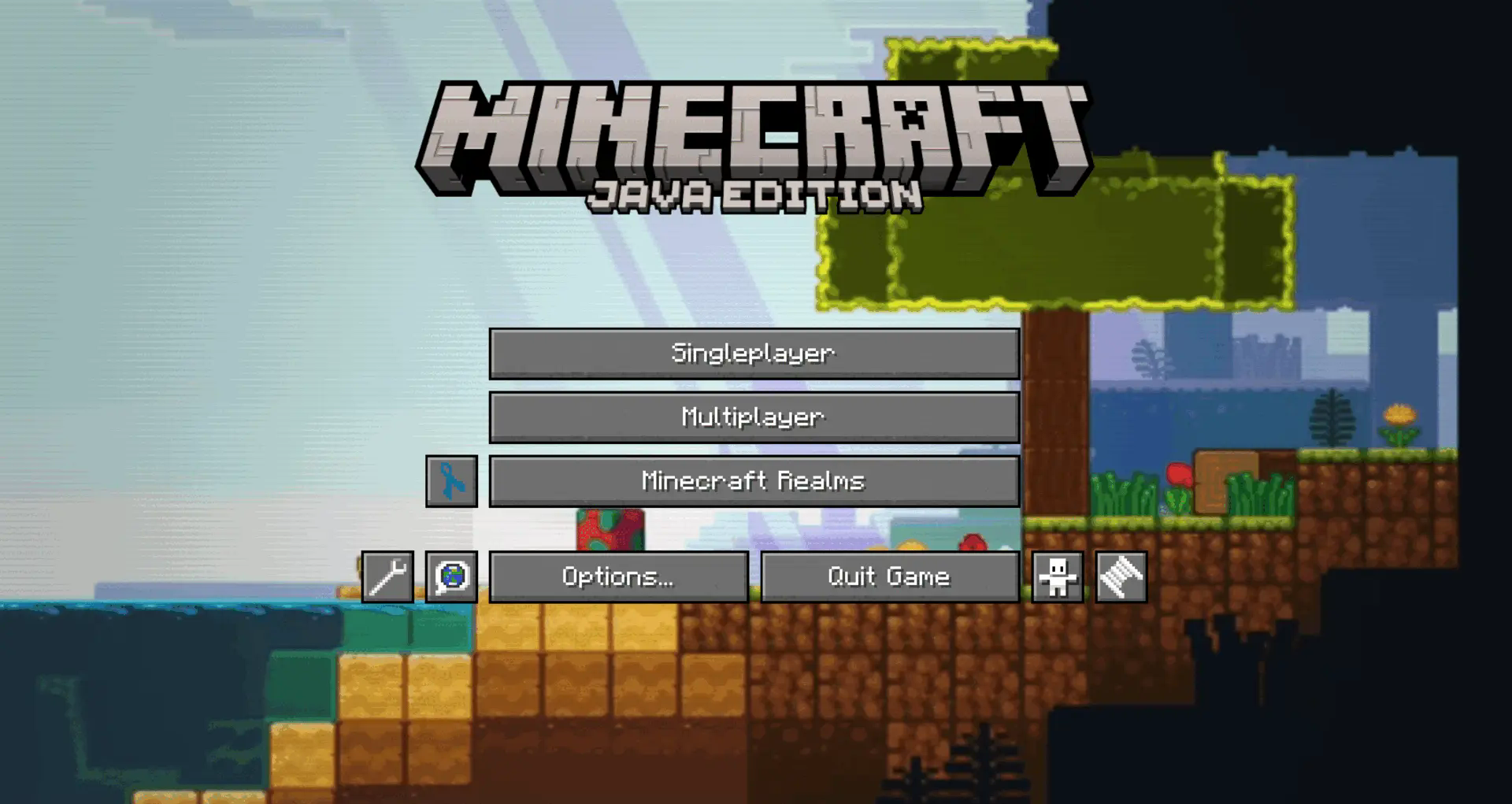 | 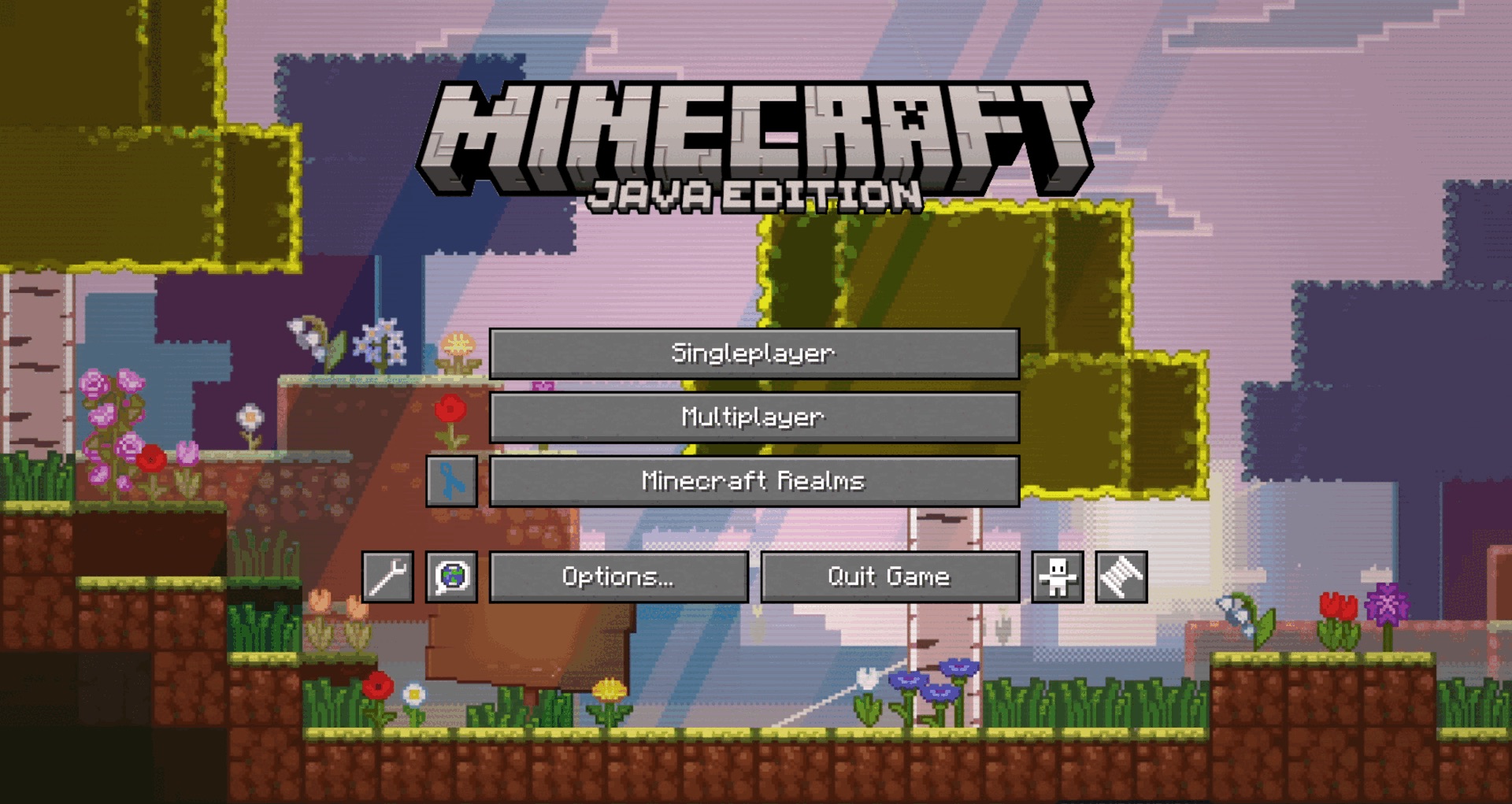 | 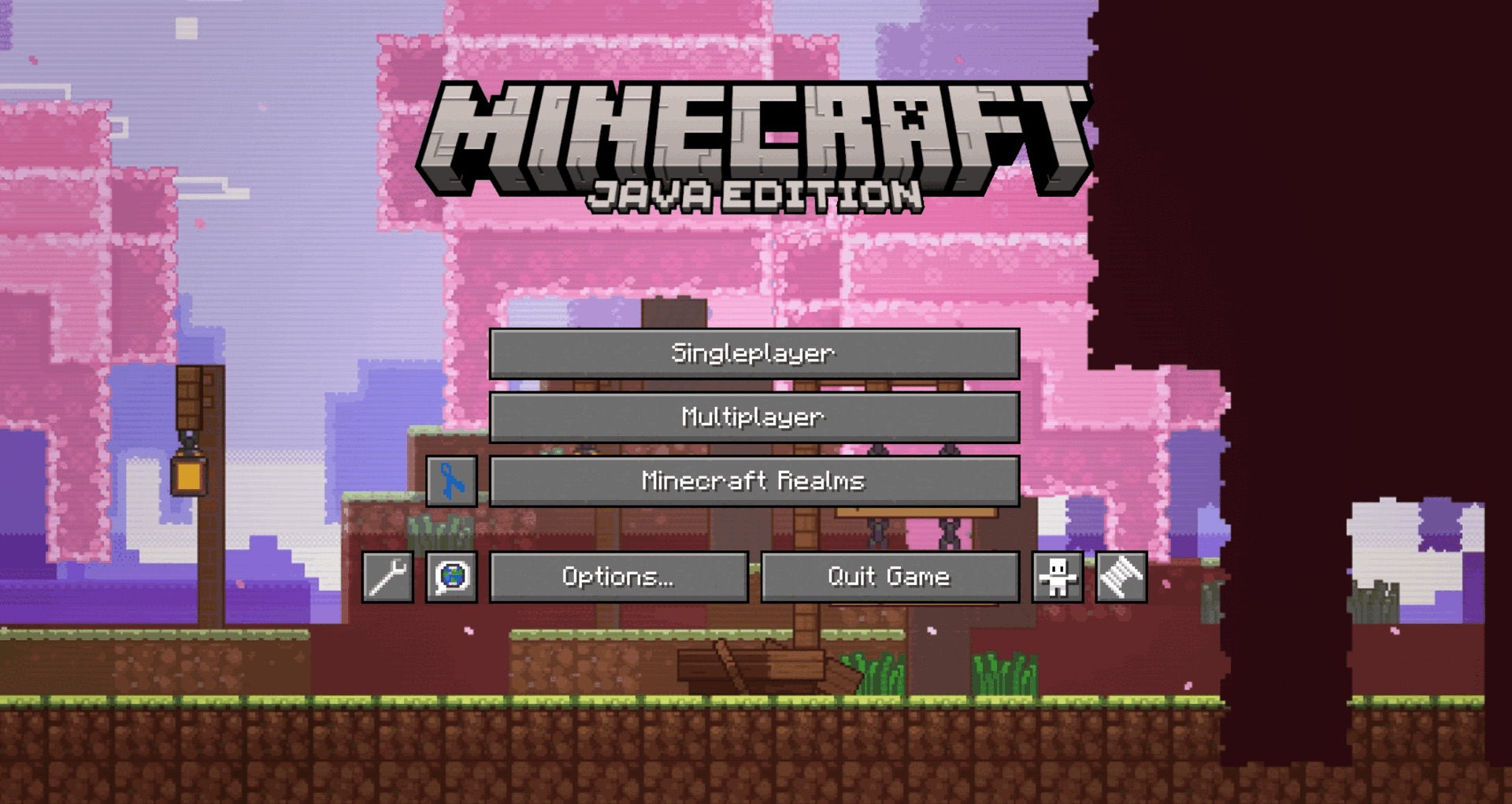 | 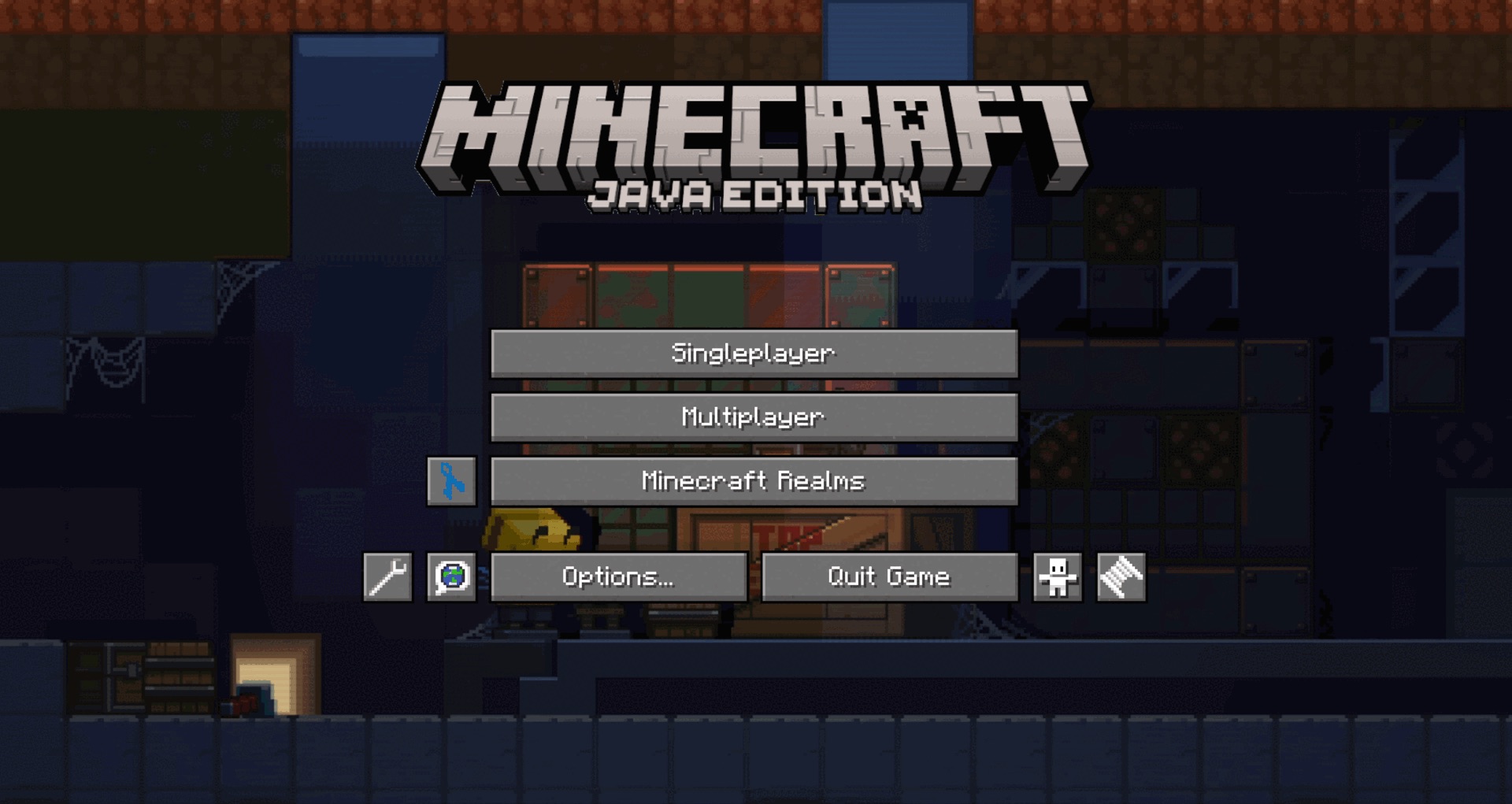 |
|---|---|---|---|
| beach | forest | cherry blossom | copper shaft |
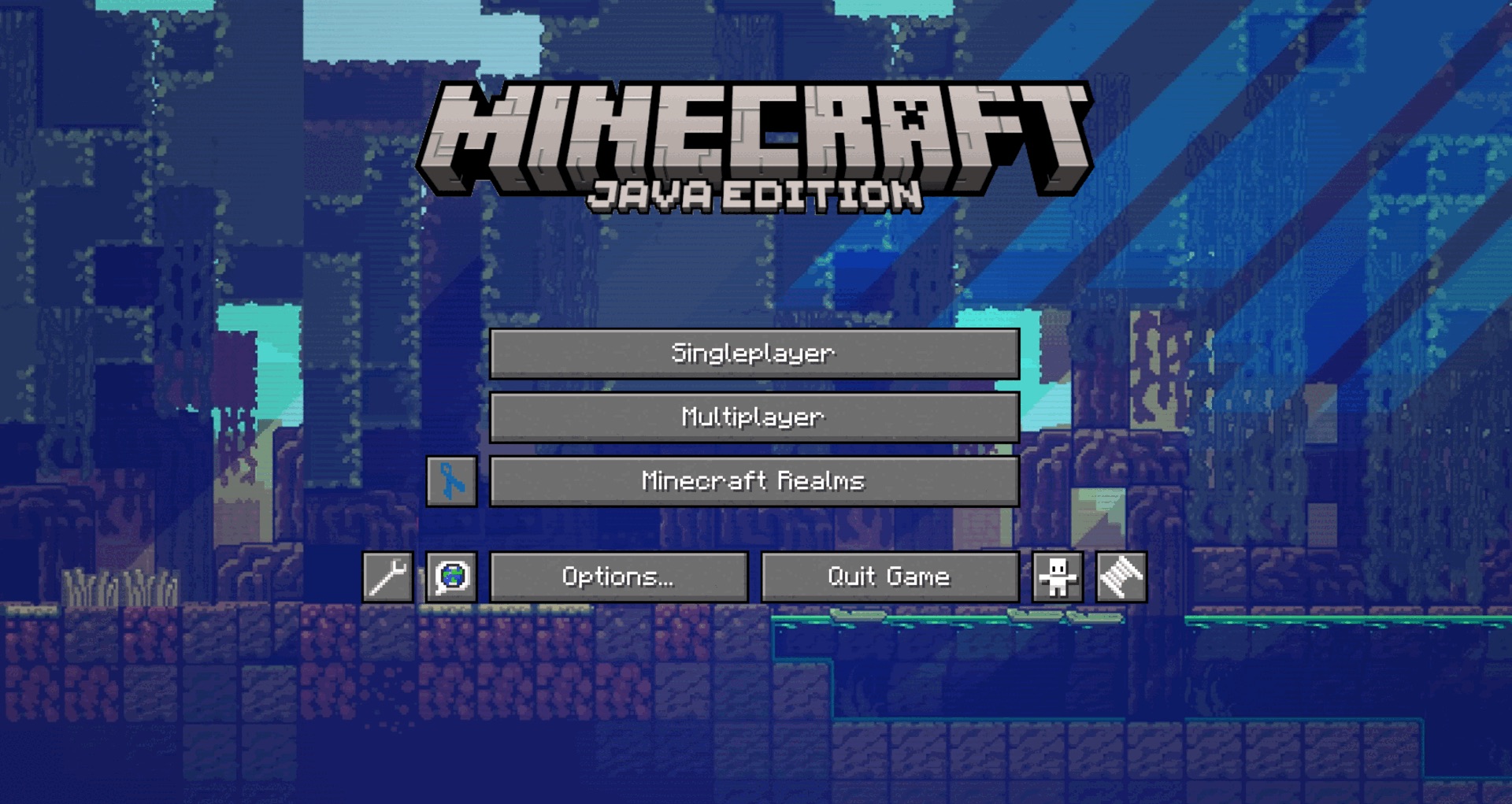 | 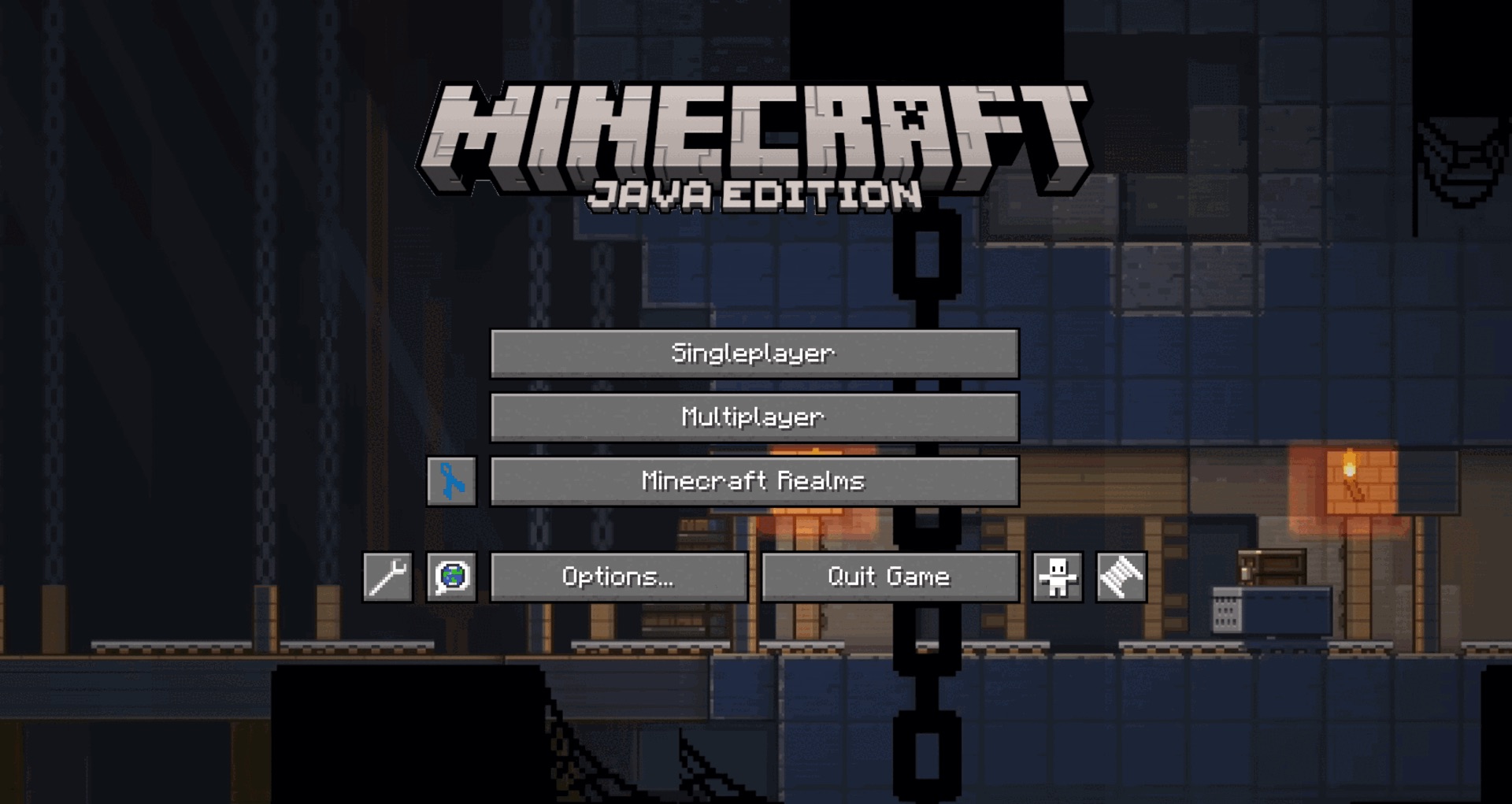 |  | 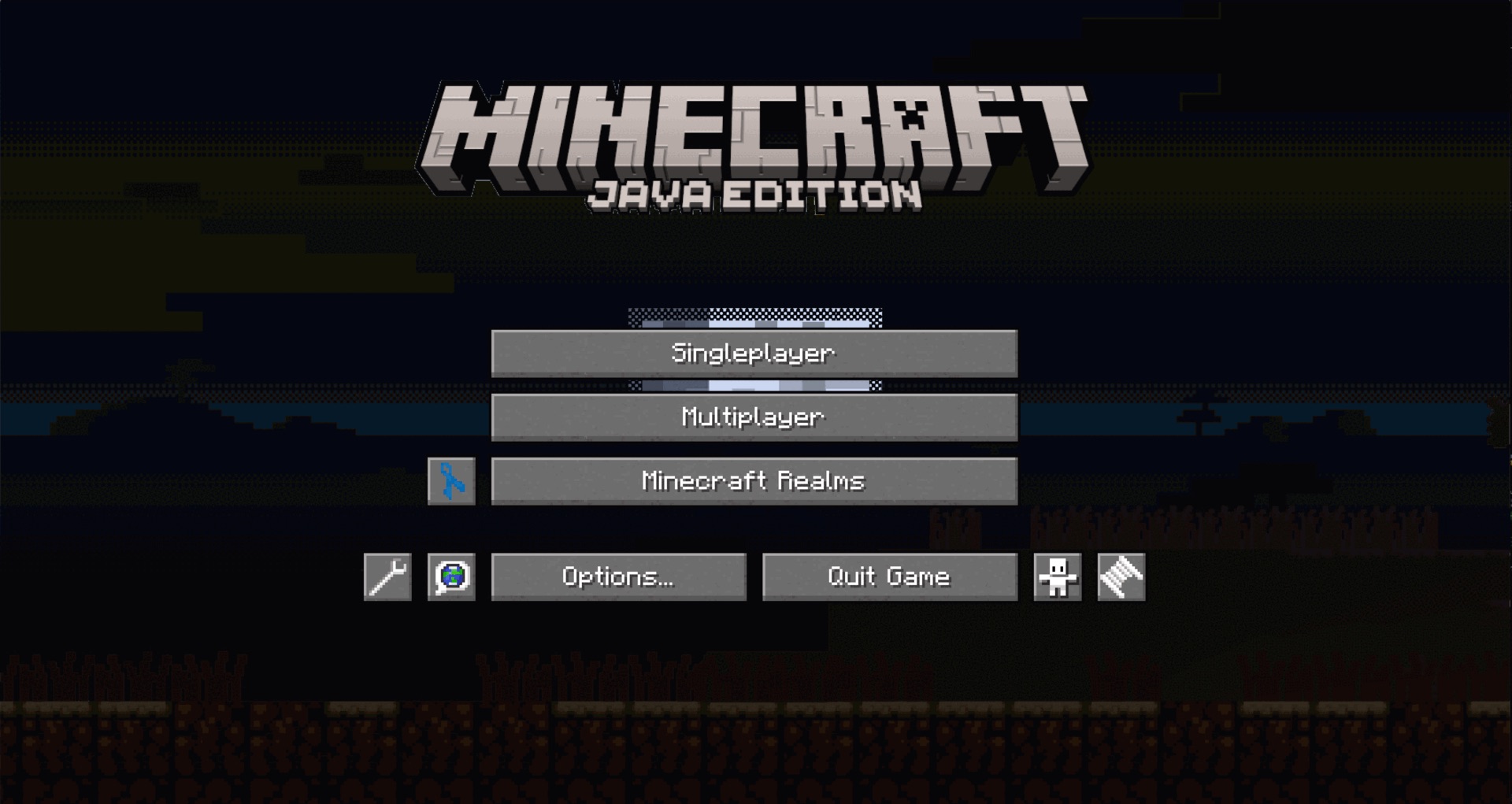 |
| mangrove | mineshaft | mountain | night |
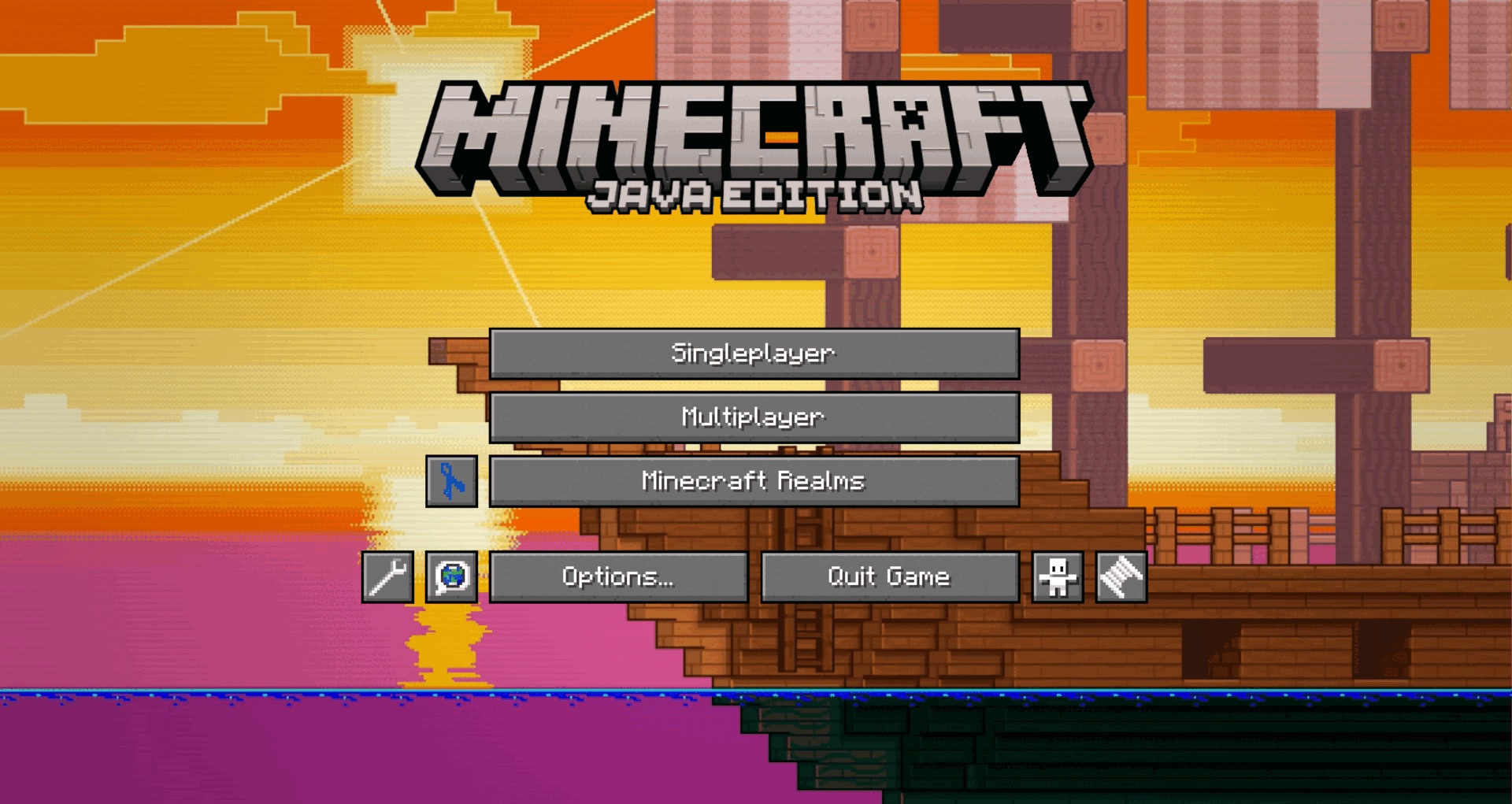 | 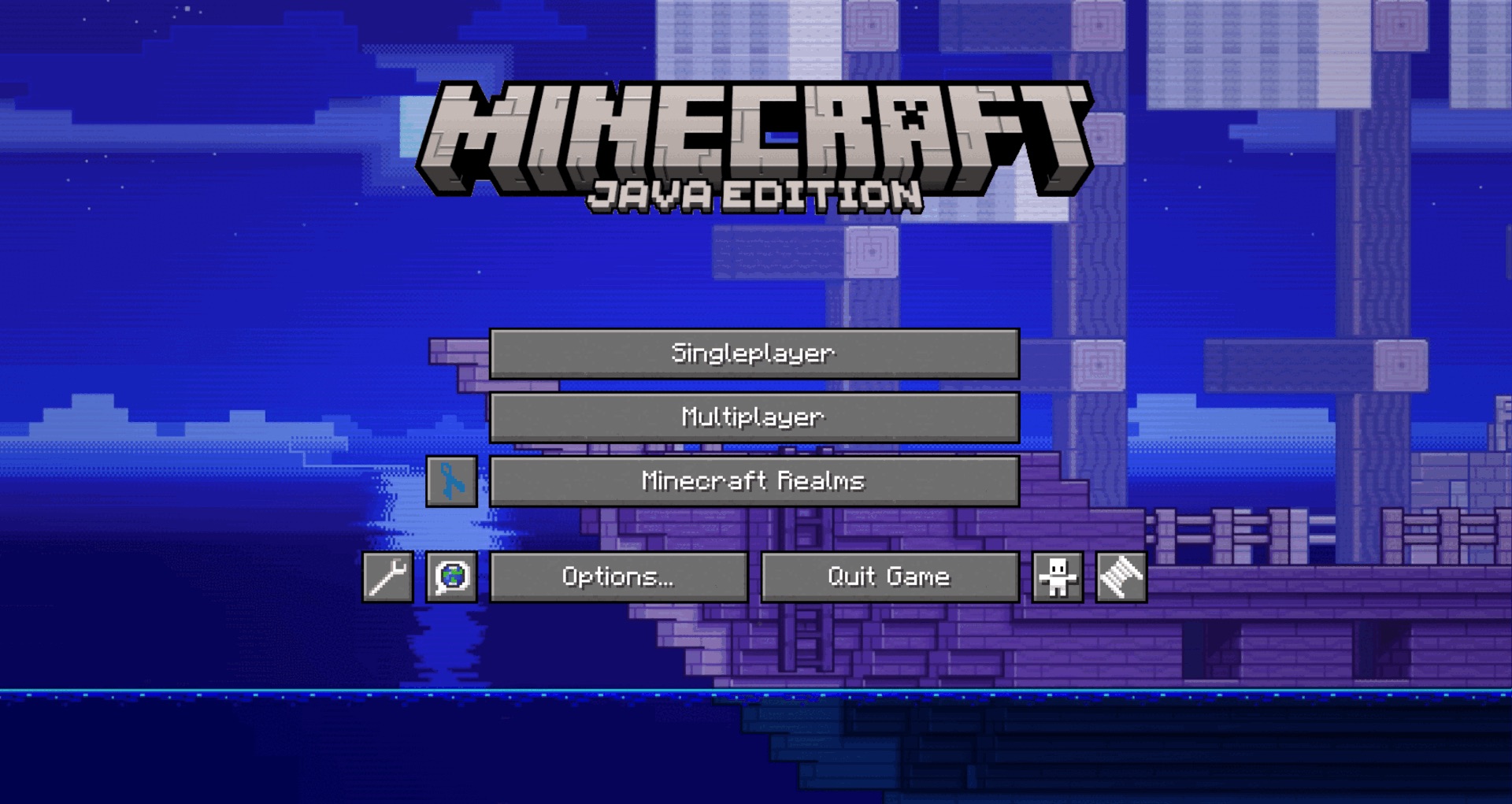 | 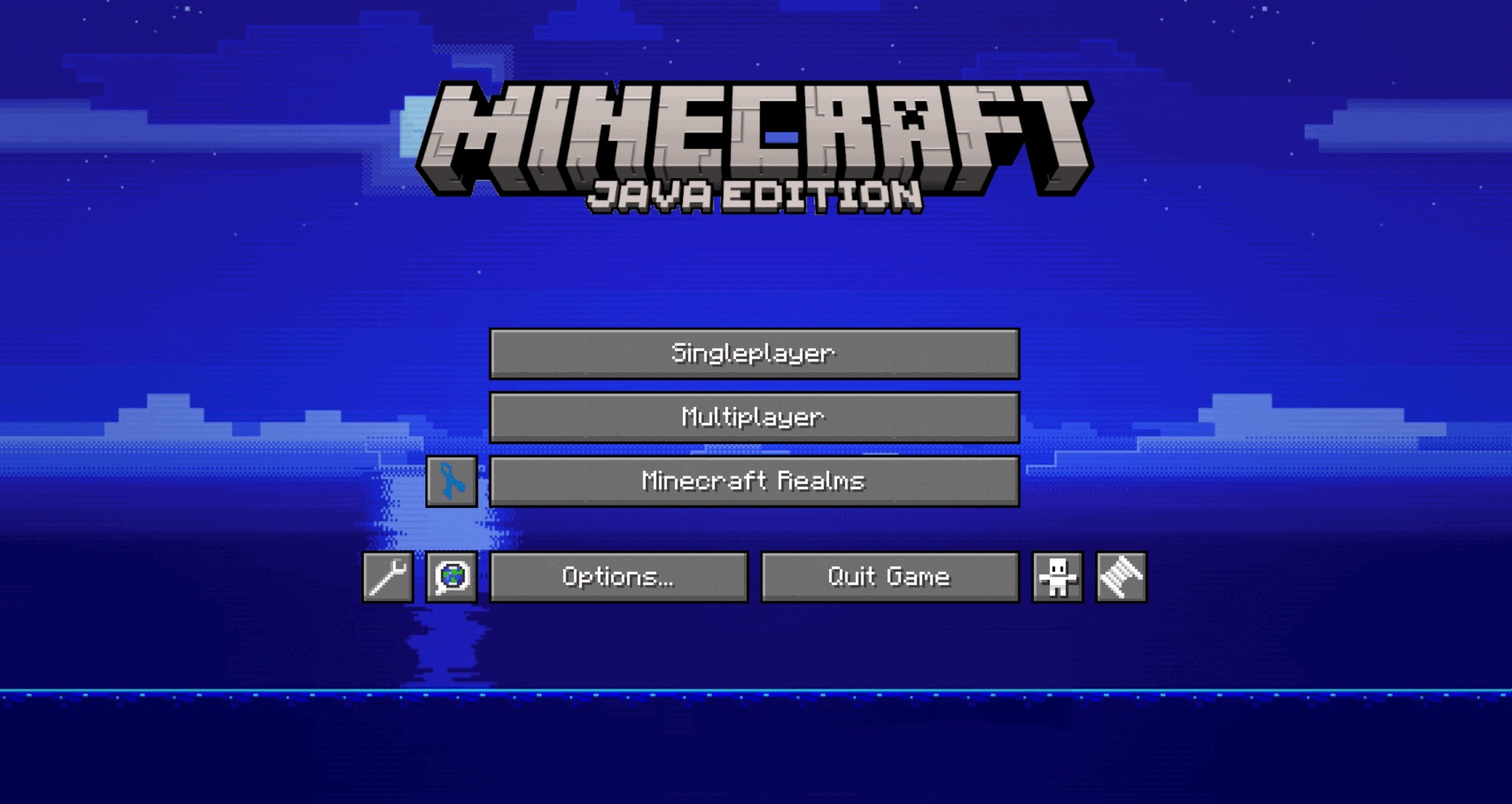 |  |
| ocean day boat | ocean night boat | ocean night | snowy slope |
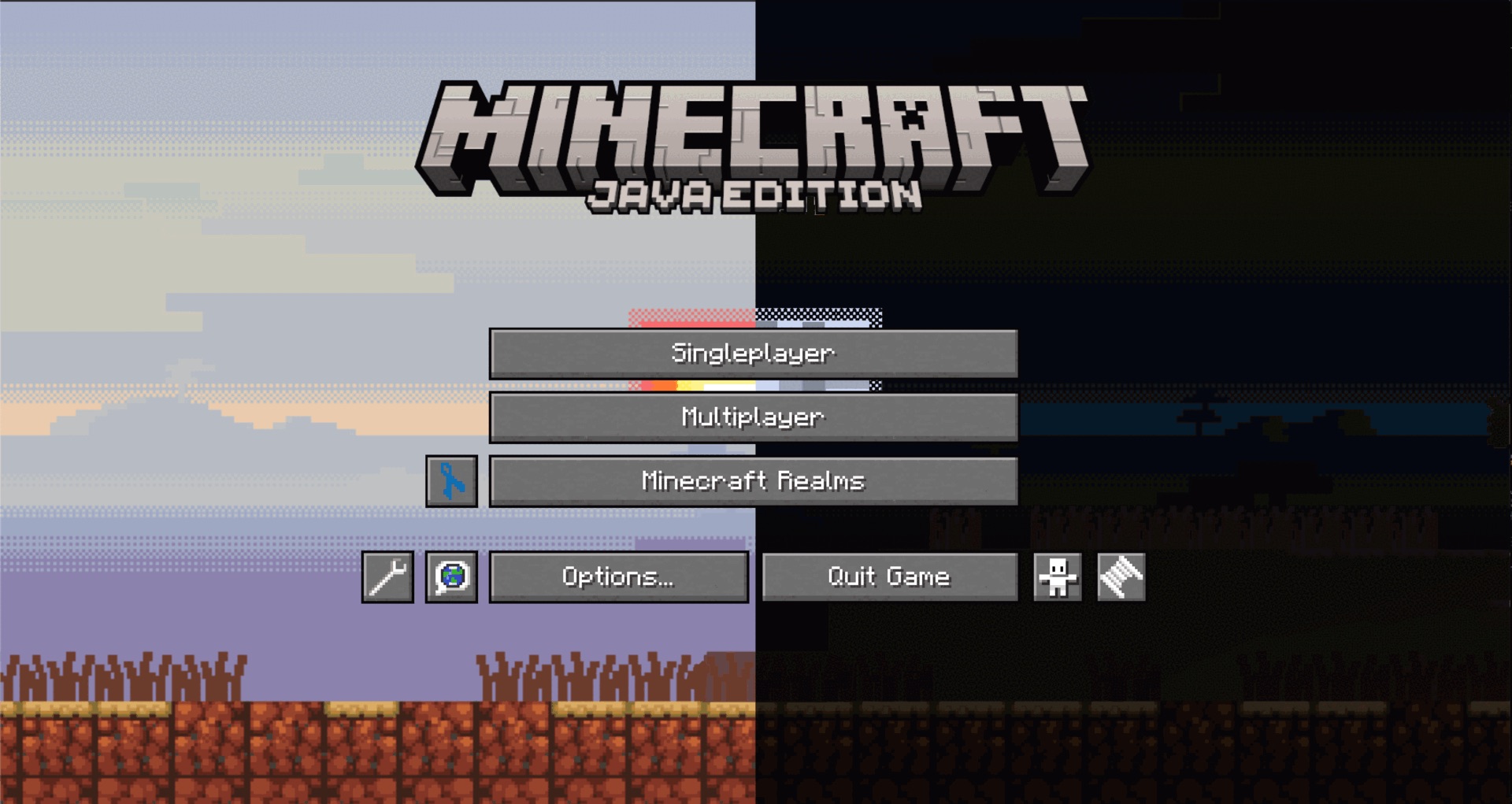 | 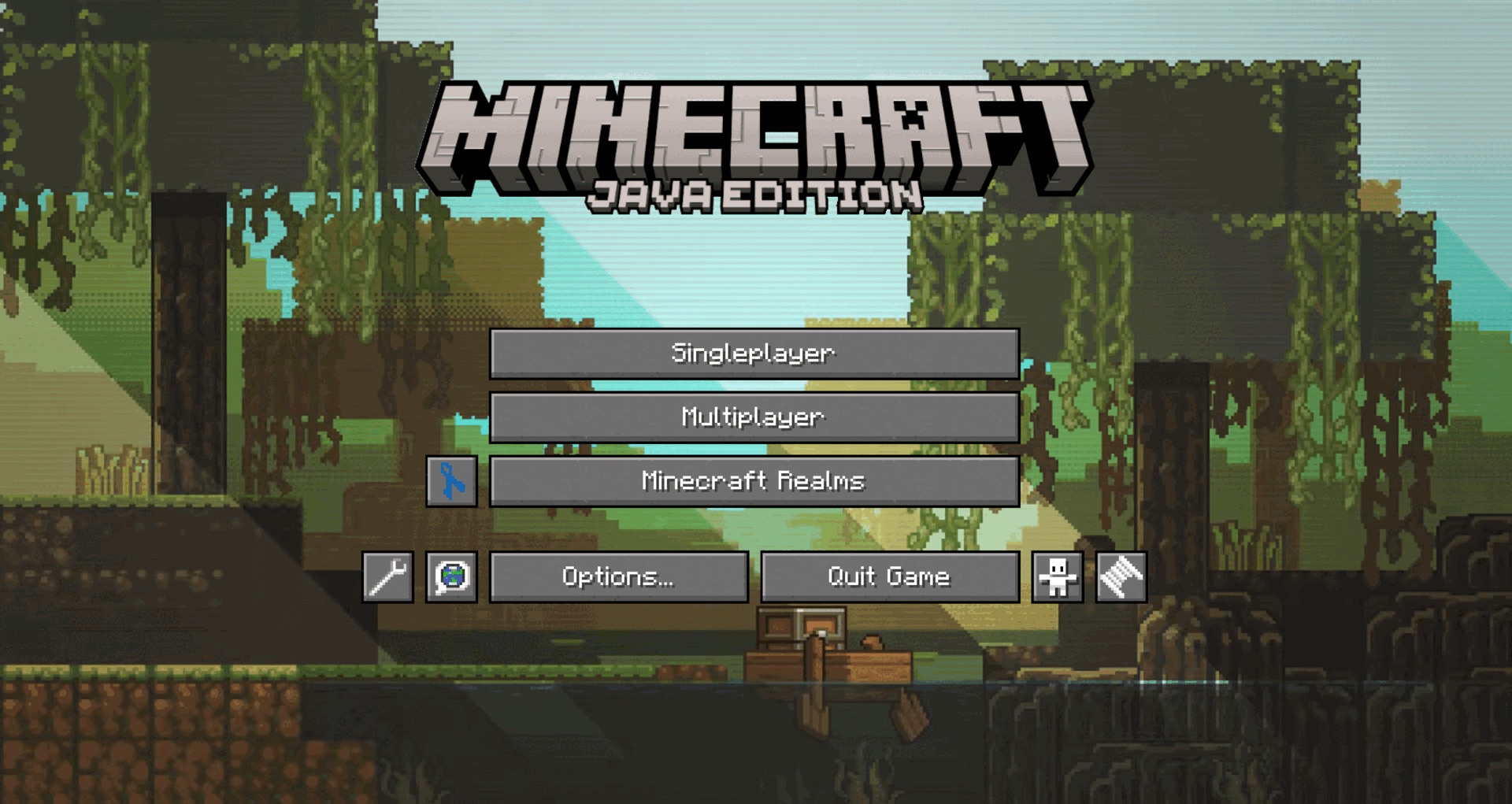 |  | 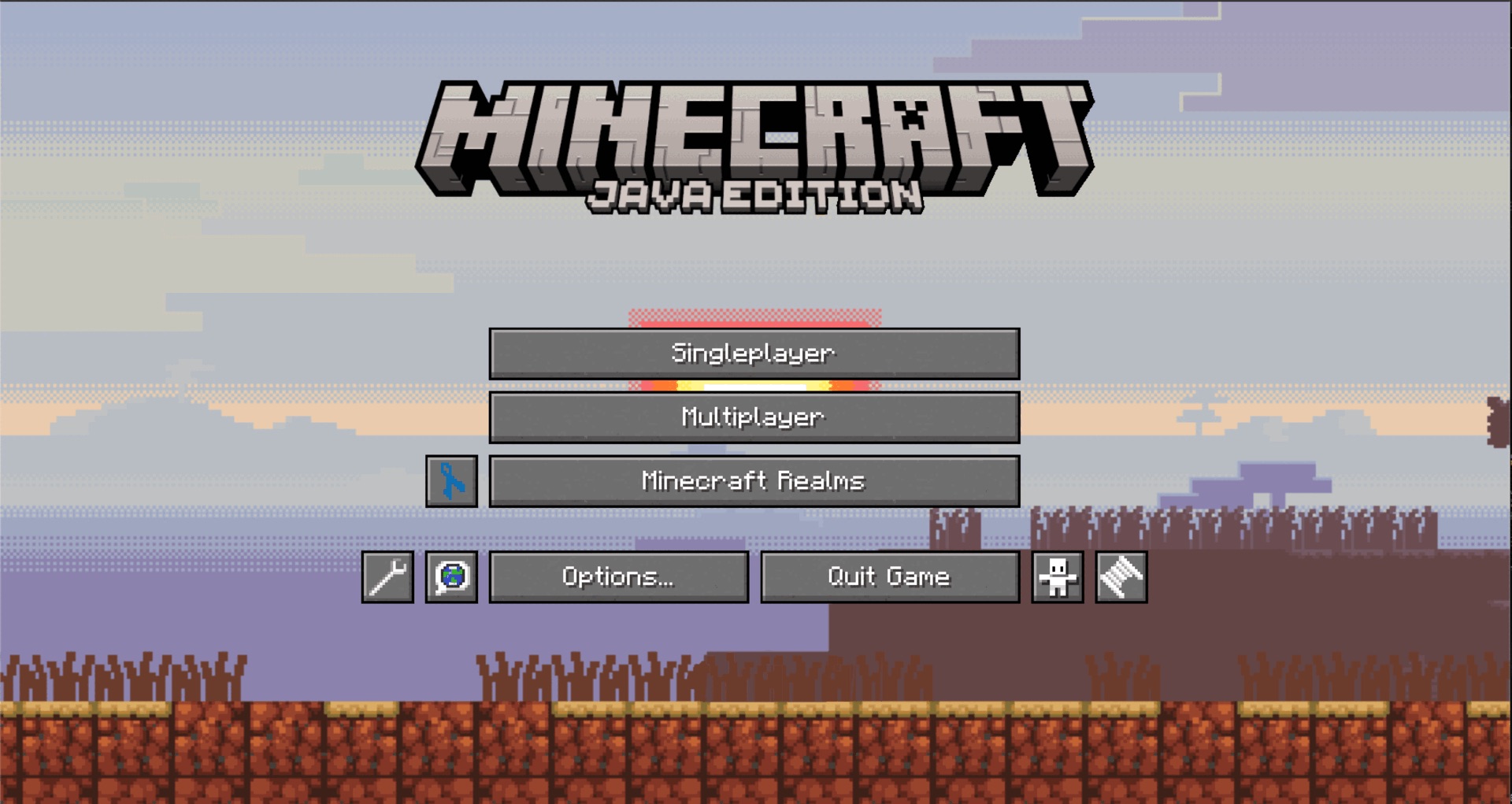 |
| split | swamp | underwater | day |
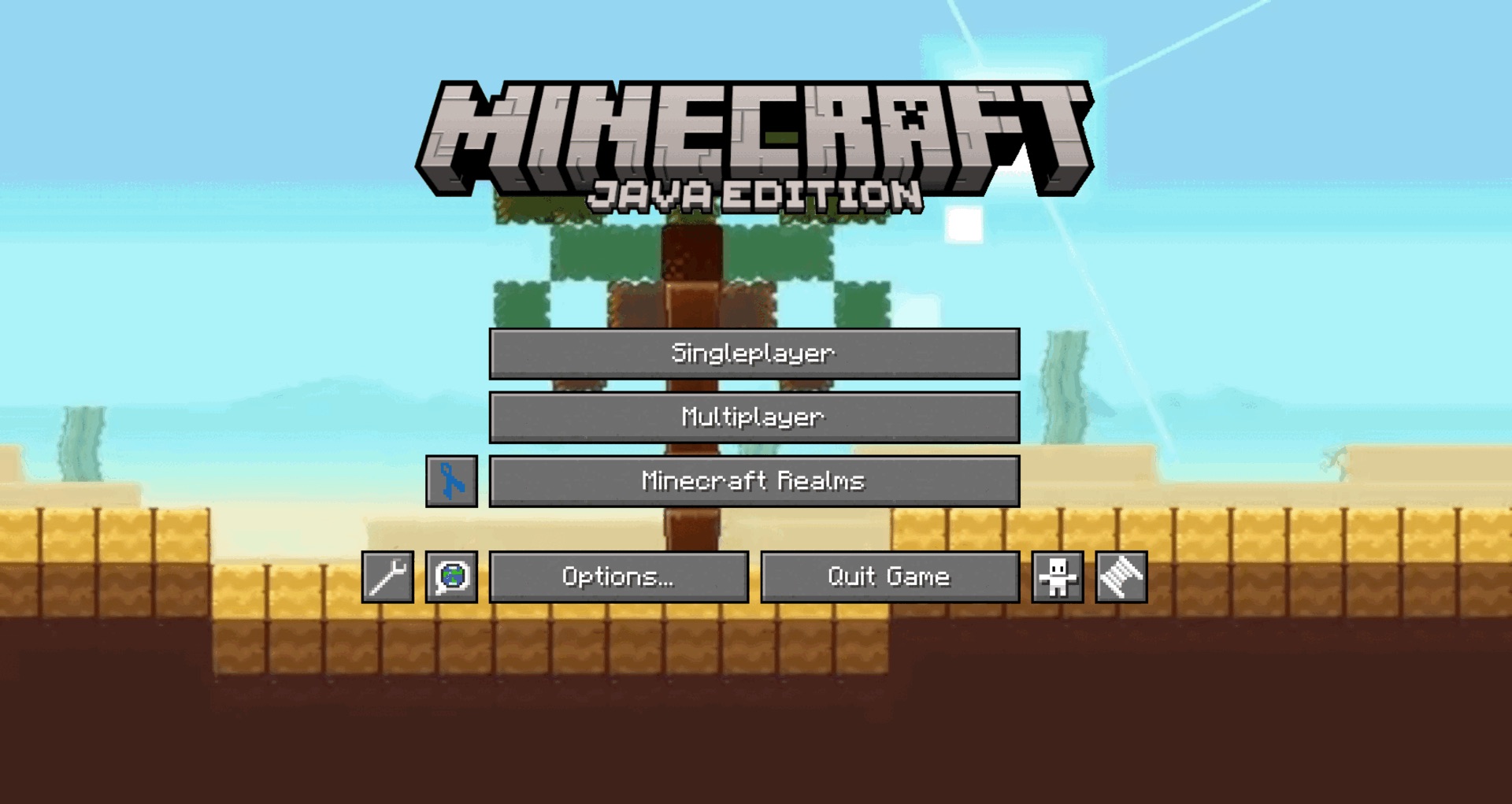 | 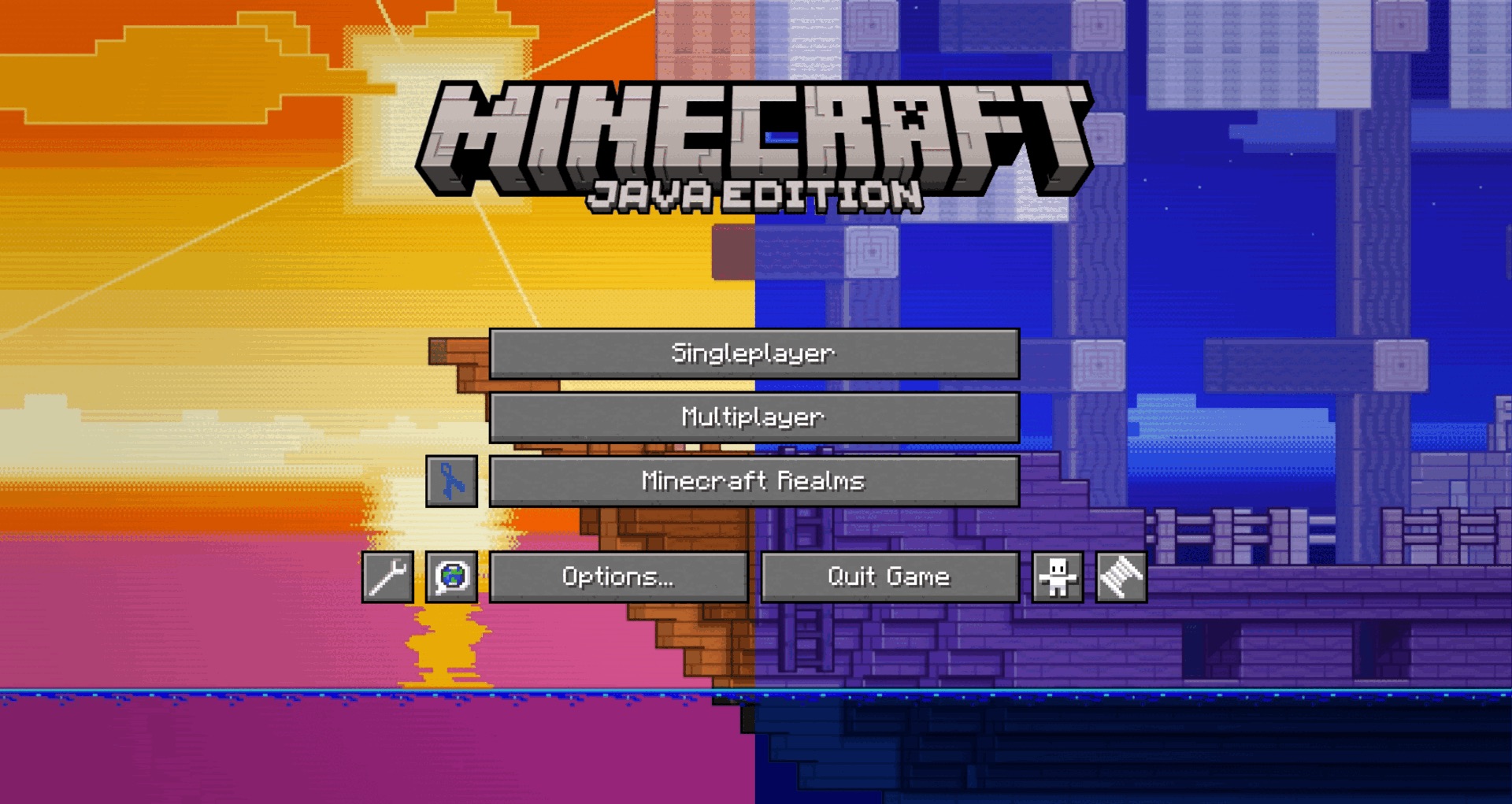 | 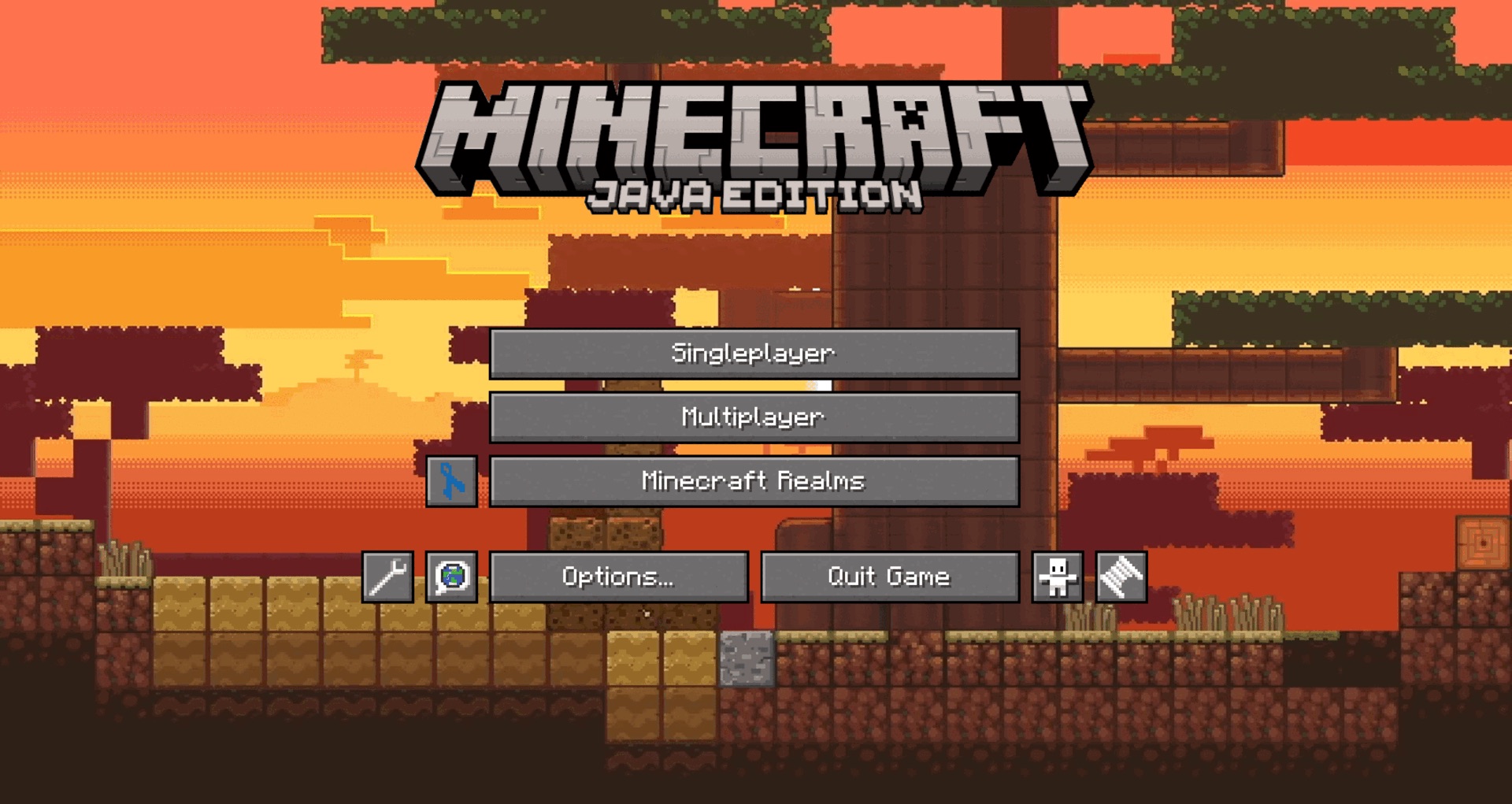 |  |
| desert | ocean split boat | savanna | taiga |
The UI song options:
| day | night | split | midnight | coma | maze 1 | maze 1 background | maze 2 |
| maze 2 background | maze 3 | maze 3 background | maze 4 | maze 4 background | maze 5 | maze 5 background | recrelation |
| the adversary of finality | apex | maze plunderer | dotted iris | faraway | turnover | stand off | watchtower |
| comeback | approach | - | - | - | - | - | - |
| analiea | ignite | grynn | - | - | - | - | - |
Mod Manager Menu
Koil includes an installed mod manager that does more than just list loaded mods.
Features:
- Lists installed Fabric/Quilt mods from the current instance
- Sorts by name, mod ID, author, status, and picture
- Filters by all, enabled, disabled, and has config
- Groups mods by author, status, or family
- Opens a mod's folder directly
- Opens a mod's config when one is detected
- Imports
.jarfiles into the mods folder - Supports disable and delete actions
- Shows local mod metadata
- Can use Modrinth preview data
- Can use CurseForge preview data when CurseForge API access is configured
- Shows useful project/version data like title, summary, author, license, downloads, followers, loaders, game versions, source links, issue links, wiki links, Discord links, and update status when available
This makes Koil useful even before touching any advanced systems. It gives you a real installed-content manager directly inside Minecraft.
Content Browser
Koil includes content screens for finding and managing game content from inside the client.
Supported content types:
- Mods
- Resource packs
- Datapacks
Content browser features:
- Searches Modrinth from inside Minecraft
- Filters content for the current Minecraft version
- Filters mod downloads for Fabric/Quilt where needed
- Shows installed and not-installed content
- Sorts by relevance, name, downloads, and author
- Groups by publisher or source
- Opens project websites
- Opens the correct local folder
- Lets you choose versions before installing
- Installs files into the correct instance folder
- Supports update, uninstall, delete, reload, and restart actions where available
Install targets:
- Mods install to
./mods - Resource packs install to
./resourcepacks - Datapacks install to the selected world's datapacks folder
CurseForge support exists as an optional path when API access is configured. Modrinth support is the main built-in content source.
Config Editor
Koil has a config editor for people who do not want to hand-edit every config file in a normal text editor.
Supported config formats:
- JSON
- JSON5
- TOML
- YAML / YML
- Properties
- CFG
- CONF
- INI
- TXT
The editor detects common value types and turns them into better controls when possible.
Detected control types include:
- Booleans
- Numbers
- Sliders
- Strings
- Long text values
- Lists
- Paths
- Links
- Versions
- Keybinds
- Registry IDs
- Sound values
- Colors
- RGBA groups
- Hex colors
- Coordinates
- Width and height values
- Min and max ranges
- Padding and margin groups
- Resolution values
- Enable/disable groups
- Feature cards
- Mapping values
- Seed values
Useful config tools:
- Search config values
- Filter changed values
- Save changes
- Reset values
- Open config file location
- Switch linked configs through
rectConfig - Validate registry-style values like items, blocks, entities, effects, particles, and sounds
- Preview supported sound config values
This means Koil can turn many raw config files into actual editable screens without every mod needing to build its own config menu.
File Explorer
Koil includes an in-game file explorer for the Minecraft instance.
File explorer features:
- Browse folders from inside Minecraft
- Jump to root or reset location
- Search the current directory
- Open files with Koil tools
- Open files with the system default application
- Open folders directly
- Copy file paths
- Rename files
- Delete files with confirmation
- Open editable files in the Koil editor
- Open config-like files in the Koil config editor
- Inspect local mod jars
- Preview folders as a tree
- Preview supported images
- Preview animated GIF files
- Preview supported audio files with controls
- Recognize video files for video preview/metadata handling
- Detect archive files like
.zip,.rar,.7z,.tar,.gz,.bz2,.xz,.jar,.war, and.ear
Supported preview/edit categories include:
- Text files
- Config files
- Code files
- Logs
- Markdown
- Minecraft files like
.mcmeta,.mcfunction,.mcpack, and.mctemplate - Image files
- Audio files
- Archives
- Local mod jars
The file explorer is one of Koil's core systems because many other Koil tools use it as the base for opening folders, configs, packages, and local files.
File Editor
Koil includes a file editor for editing supported files without leaving Minecraft.
Syntax modes include:
- JSON / JSON5 / MCMETA
- Java
- Properties
- Config
- XML
- YAML
- KTL
- Markdown
- JavaScript / TypeScript
- TOML
- CSS
- C
- C++
- C#
- Python
- Shader files
- Logs
- Plain text
Supported code/config extensions include:
.json.json5.mcmeta.java.properties.cfg.conf.ini.xml.yaml.yml.ktl.md.js.ts.toml.css.c.cpp.cs.py.glsl.vert.frag.log.txt
The syntax system uses cached highlighting so files can be edited with less repeated parsing.
Package System
Koil has its own package builder and package installer system.
Package installer features:
- Detects
koil-package-*folders and zip packages - Reads package metadata from
package.json - Reviews files before applying the package
- Shows add, replace, and remove operations
- Shows package file counts
- Shows changed existing files
- Shows added files
- Shows removed files
- Supports SHA-256 verification when hashes are provided
- Blocks unsafe zip paths from writing outside the instance root
- Skips package metadata and temporary system files
- Removes the package source after it is applied
Package builder features:
- Select files and folders from the instance
- Set package author data
- Set serial/package data
- Generate package output into
./koil/packages/built - Open the output folder after building
This is useful for sharing Koil changes, theme files, config setups, test files, or controlled instance edits without manually copying everything file by file.
Console and Logs
Koil includes an in-game console screen for reading and interacting with log output.
Console channels:
- Koil Logs
- Package Logs
- Minecraft Logs
- CLI
Console features:
- Reads Koil logs from
./koil/logs - Reads package logs from
./koil/logs/package - Reads Minecraft logs from
./logs/latest.log - Stores up to 4,000 records per channel
- Search log history
- Use command input
- Use input history
- Use suggestions
- Open KTL source files from automation output
- Pop out the console into an external window
Suggestion support includes:
- Previous console inputs
- Minecraft command suggestions
- Registry-based suggestions for items, blocks, entities, effects, particles, and sounds
- Automation commands
- KTL template/file suggestions
KTL Automation System
Koil includes an experimental automation system built around .ktl files.
Automation commands include:
/automate/automate exit/automate chat/run <input>/proof/proof all/proof cache
KTL system features:
- Loads
.ktlfiles from./koil/automation - Caches compiled task files
- Tracks source fingerprints
- Validates duplicate IDs
- Supports task templates and task macros
- Supports grammar and lexicon files
- Supports condition definitions
- Supports selector packs
- Supports proof testing
- Supports structured feedback events for failed tasks
Automation capability areas include:
- Movement
- Looking
- Interaction
- Inventory
- Containers
- Combat
- Waiting
- Reporting
- World scanning
- Target validation
- Player state
- Commands
- State memory
- Counters
This system is still experimental, but it is already built into Koil as a real file-backed automation layer.
Runtime Design and UI Config
Koil stores its runtime settings in ./koil/sys/config.json.
Config-backed options include:
- First launch state
- Debug mode
- Beta testing mode
- UI redesign toggle
- UI theme
- Design directory
- Colored file icons
- Background
- Background music
- Music volume
- Design music
- Holiday design
- Holiday design music
- Debug toast toggle
- Maintenance toast toggle
- Announcement toast toggle
- Compact config listing
- Menu panorama toggle
Koil's design system supports:
- External design folders
- External image paths
- External audio paths
- Background selection
- Background music selection
- Holiday background/music switching
- Runtime UI config values
- 273 configurable UI color values
This gives Koil a file-backed base that can be edited, packaged, and expanded instead of being locked inside the jar.
Screen Tool Menu
Koil adds a screen tool system to supported Minecraft and Koil screens.
Screen tools can include:
- Screen info
- Open related folder in Koil File Explorer
- Open related file in Koil File Editor
- Toggle Koil UI design
- Toggle design music
- Toggle menu panorama
Supported screen areas include many vanilla menus, options screens, pack screens, world screens, multiplayer screens, Koil screens, config screens, editor screens, file explorer screens, and console screens.
Compatibility Notes
Current compatibility:
- Controlling For Fabric: supported with Koil's redesigned controls screen path
Planned compatibility work:
- Replay Mod / Flashback debug event review
- Iris shader install flow
Planned items are not listed as current features. They are only listed here so users know what direction Koil is heading.
Why Use Koil?
Use Koil if you want a Minecraft client that can manage more of the instance from inside the game.
Koil is useful for:
- Players who install and test many mods
- Modpack makers
- Datapack makers
- Resource pack makers
- Developers
- People who edit configs often
- People who want faster access to logs
- People who want in-game file tools
- People who want a stronger content management layer
- People testing automation or KTL files
Koil is not just one feature. It is a growing in-game tool layer for Minecraft.
Development Status
Koil is actively being built. Some systems are complete enough to use now, and some are still marked as in development inside the mod.
Current strong systems:
- Installed mod manager
- Config editor
- File explorer
- File editor
- Package builder/installer
- Console/log viewer
- Modrinth-based content browsing
- Runtime config/design system
Experimental systems:
- KTL automation
- Proof testing
- Feedback-driven automation improvement
- Some resource pack/datapack content workflows
- Optional CurseForge paths when API access is configured
[!] Developer Features
Koil is not only built for players. It also includes tools made for people building mods, modpacks, datapacks, resource packs, configs, packages, and automation files.
- Config Switcher
Koil configs can link other config files into the same config screen using rectConfig.
Adding this to a config file:
{
  "rectConfig": [
    "./path/to/file/from/instance"
  ]
}
will make Koil add those files to the config screen's Switch button.
Example:
{
  "rectConfig": [
    "./koil/sys/config.json",
    "./koil/sys/design/design.json"
  ]
}
When the user presses Switch, Koil cycles between the main config and the linked config files.
Supported path behavior:
./path/file.jsonstarts from the Minecraft instance folder- normal relative paths can resolve from the config file's folder
- absolute paths can also work
- broken or missing files are ignored
- only real files are added to the switch list
This is useful when one mod has multiple config files, theme files, design files, or system files that should be edited from the same config screen.
- Config Detection
Koil can detect config files for installed mods instead of only opening one hardcoded file.
Koil scans the instance config folder and matches files by:
- mod ID
- mod name
- matching file names
- matching folder names
- supported config formats
Supported config formats:
- JSON
- JSON5
- TOML
- YAML / YML
- Properties
- CFG
- CONF
- INI
- TXT
This lets Koil open a mod's config from the installed mod menu when a matching config file is found.
- Config Value Tools
Koil's config editor does not only show raw text. It detects common value types and gives them better controls when possible.
Supported config value tools include:
- booleans
- numbers
- sliders
- strings
- long text
- lists
- file paths
- links
- versions
- keybinds
- registry IDs
- sound values
- color values
- RGBA color groups
- hex colors
- coordinates
- width and height groups
- min and max groups
- padding and margin groups
- resolution values
- enable and disable groups
Koil can also validate Minecraft registry-style values for things like:
- items
- blocks
- entities
- effects
- particles
- sounds
- File and Editor Tools
Koil includes in-game file tools for editing and inspecting instance files without leaving Minecraft.
Developer file tools include:
- open files in Koil's editor
- open config files in Koil's config editor
- open parent folders in Koil's file explorer
- open files with the system default app
- copy file paths
- search inside files
- replace text
- syntax highlighting for code, config, log, markdown, and KTL files
- image preview
- audio preview
- GIF preview
- archive detection
- local jar inspection
This makes Koil useful for debugging configs, checking generated files, editing datapacks, editing resource packs, and reviewing logs while the game is running.
- Package Tools
Koil has a package builder and package installer for controlled instance file changes.
Package tools can:
- build Koil packages from selected files
- output packages to
./koil/packages/built - read package metadata from
package.json - preview package actions before applying
- show files that will be added
- show files that will be replaced
- show files that will be removed
- verify SHA-256 hashes when provided
- block unsafe zip paths
- skip package metadata and temporary files during install
This is useful for shipping themes, configs, datapacks, resource files, test files, and controlled Koil system changes.
- Console and Automation Tools
Koil includes developer-focused console and automation tools.
Console tools include:
- Koil log viewer
- package log viewer
- Minecraft log viewer
- CLI channel
- search
- command history
- command suggestions
- external console window support
Automation tools include:
.ktltask files/runinput handling/automatemode controls- proof testing
- feedback commands
- KTL syntax highlighting
- automation source opening from console output
The automation system is still experimental, but it is already file-backed and built into Koil.
- Screen Tools
Koil adds utility actions to supported Minecraft and Koil screens.
Depending on the screen, Koil can add actions for:
- screen info
- opening related folders
- opening related files
- opening files in Koil's editor
- opening folders in Koil's file explorer
- toggling Koil UI systems
- toggling design music
- toggling menu panorama
This gives developers and pack makers faster access to the files and systems connected to the screen they are currently using.
[!] Koil Ko-fi Support (100% Optional)
Koil Supporter  Copper Copper $2.59 | Koil Supporter  Silver Silver $6.98 | Koil Supporter  Gold Gold $11.72 |
|---|---|---|
| ---------------------------------- | ---------------------------------- | ------------------------------------ |
| Support the development of Koil by funding a small amount per month! | Support the development of Koil by funding a large amount per month! | Support the development of Koil by funding a Ginormous amount per month! |
 | | |
| ---------------------------------- | ---------------------------------- | ------------------------------------ |