Keep Me Growing
A plugin that allows crops and animals to grow even if users are not online or chunks are not loaded.
KeepMeGrowing



Crops and passive mobs keep maturing while chunks are unloaded: when someone loads the area again, the plugin applies the “missing” progress in one shot so growth feels natural instead of time-gated by online players.

Summary
KeepMeGrowing tracks when plant blocks and supported animals were last persisted for a chunk. On chunk load, it looks at wall-clock time since last unload, applies your configured pacing, and advances growth (crops, stems, saplings, vines, etc.) plus passive mob ageing where enabled. Requires Spigot/Paper 1.13+ (API); passive mob simulation needs Minecraft 1.10+. WorldGuard is optional via the offline-growth flag.
Drop your marketing screenshots into assets/ as crops.png and animals.png so the images below render on GitHub.
Showcase
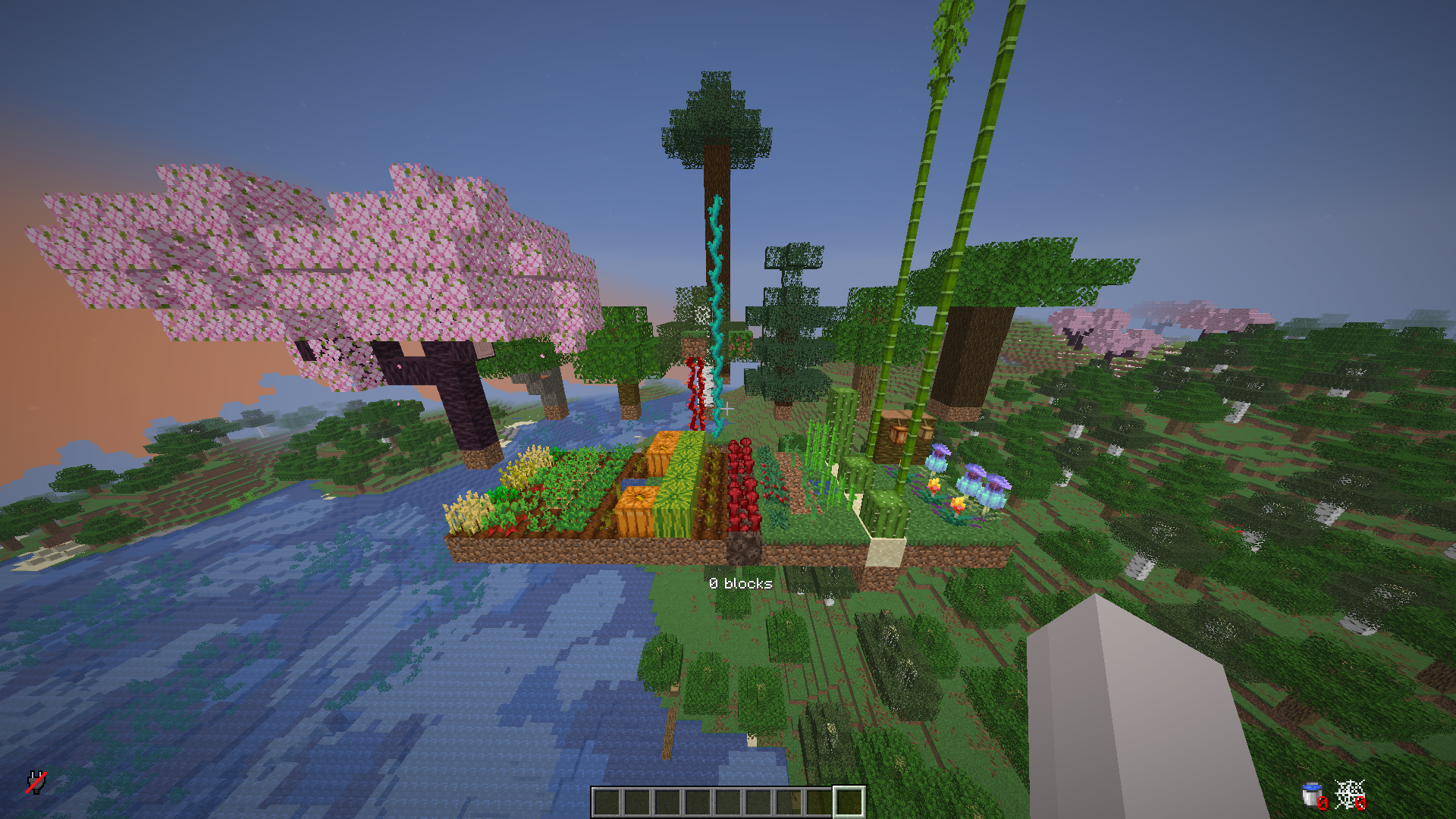
Supported crops
Supported animals

How it works
When a chunk that contains tracked plants or eligible animals is loaded, the plugin knows roughly how long that chunk (or its saved state) sat unloaded. It does not simulate every tick in real time; instead it fast-forwards growth using that elapsed time and your config.yml pacing so players see crops and mobs “catch up” as if they had been progressing the whole time.
Here is a concrete example using the default pacing for carrots in config.yml (20 minutes ≈ “full maturity” for pacing purposes — you can change this per crop):
- If the chunk was away for ≥ 20 minutes, carrots advance as if a full growth window elapsed (they can reach full stage from an empty field, subject to how the growth logic applies that time).
- If it was away for 10 minutes, carrots get about half that pacing budget applied.
- If it was away for 10 minutes and the carrots were already half-grown when the chunk unloaded, the remaining progress stacks with what was saved — they can reach full stage after load.
Exact behaviour depends on crop type, block state, modifiers (/growth rate, sprint, freeze), and WorldGuard offline-growth. Tune every crop in plants-minutes-to-full-growth and mobs in mobs-minutes-to-full-growth to match your server.
Crops & plants
These are handled with offline-style progression (names match common Bukkit materials / farm blocks):
- Carrots
- Potatoes
- Wheat
- Beetroots
- Nether wart
- Cocoa
- Sweet berry bush
- Saplings: oak, birch, spruce, jungle, acacia, dark oak, cherry — including 2×2 mega tree setups (e.g. four spruce, jungle, or dark oak saplings)
- Cactus
- Sugar cane
- Melon (stem and melon blocks)
- Pumpkin (stem and pumpkin blocks)
- Kelp
- Weeping vines
- Twisting vines
- Bamboo
- Cave vines
- Mangrove propagules
- Torchflower
- Pitcher crop
Supported passive mobs
If the server version allows mob tracking, these types can receive offline-style ageing / special cases (e.g. baby → adult pacing, sheep wool regrowth where implemented):
- Chicken
- Pig
- Cow
- Sheep (including wool regrowth timing)
- Mooshroom
- Rabbit
- Wolf
- Ocelot
- Horse
- Villager
- Polar bear
- Mule
- Donkey
- Llama
- Turtle
- Trader llama
- Fox
- Cat
- Bee
- Panda
- Strider
- Goat
- Axolotl
- Frog
- Tadpole
- Sniffer
- Camel
- Armadillo
Features
- Offline crop growth when chunks reload, driven by configurable “minutes to full growth” per plant type
- Optional offline passive mob progression on supported versions
- Loaded-chunk bonus ticks so farms still respect
/growthmultipliers when players are nearby - WorldGuard integration:
offline-growthflag (DENY blocks simulation in that region) - Persistence via JSON or external databases (see
config.yml) - Admin commands for reload, debug, sprint / freeze / base rate
Installation
- Build or download the shadow JAR
keepmegrowing-2.0.jar(orkeepmegrowing-bundled-2.0.jarif you need all DB drivers in one file). - Place it in the server
pluginsfolder. - Start the server; config is created under
plugins/KeepMeGrowing/. - Edit
config.yml, then/growth reloador/keepmegrowing reload(same permission).
Upgrading from older “OfflineGrowthPro” folders: rename/copy plugins/OfflineGrowthPro/ → plugins/KeepMeGrowing/ so existing data stays with the new plugin name. Legacy scoreboard tags are not migrated automatically.
Usage
Commands
| Command | Aliases | Permission | Description |
|---|---|---|---|
/keepmegrowing | /kmg | keepmegrowing.admin | Help / same subcommands as /growth |
/growth | /gth | keepmegrowing.admin | reload, debug, sprint, freeze, unfreeze, rate <n> |
Permissions
| Permission | Default | Description |
|---|---|---|
keepmegrowing.admin | op | All admin commands above |
Configuration
Main file: plugins/KeepMeGrowing/config.yml.
| Section | Purpose |
|---|---|
plants-minutes-to-full-growth | Pacing hint per crop (lower = faster offline catch-up) |
mobs-minutes-to-full-growth | Same idea for supported passive mobs |
growth-rate | Base and sprint multipliers |
loaded-chunk-growth | Extra ticks while chunks stay loaded |
unload-chunk-scan-crops | Optional full-chunk scan on unload (heavier) |
blacklisted-worlds / disable-spawn-chunks | World policy |
database | JSON or SQL/Mongo settings |
YAML keys are stable; adjust comments and values only.
Compatibility
Paper and Spigot, Minecraft 1.13+ for the API baseline; mob features need 1.10+ game behaviour as noted above. WorldGuard soft-depend.
bStats
This plugin sends anonymous usage metrics to bStats — keepmegrowing (plugin ID 31246): server software, Minecraft version, player counts, and adoption trends — no personal player data.
KeepMeGrowing enables Metrics with ID 31246 on enable. The shadow JAR relocates org.bstats into com.keepmegrowing so it does not clash with other plugins’ bStats copies.
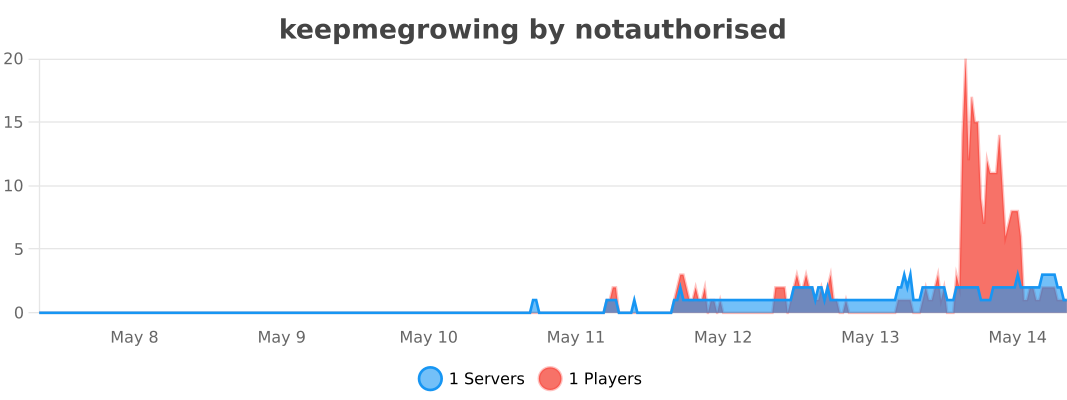
If your server does not show on the chart yet: the first payload is delayed a few minutes, and bStats refreshes around :00 and :30 each hour. Server owners can opt out via the global bStats config under plugins/ (server owner docs).
Live chart (servers using keepmegrowing)